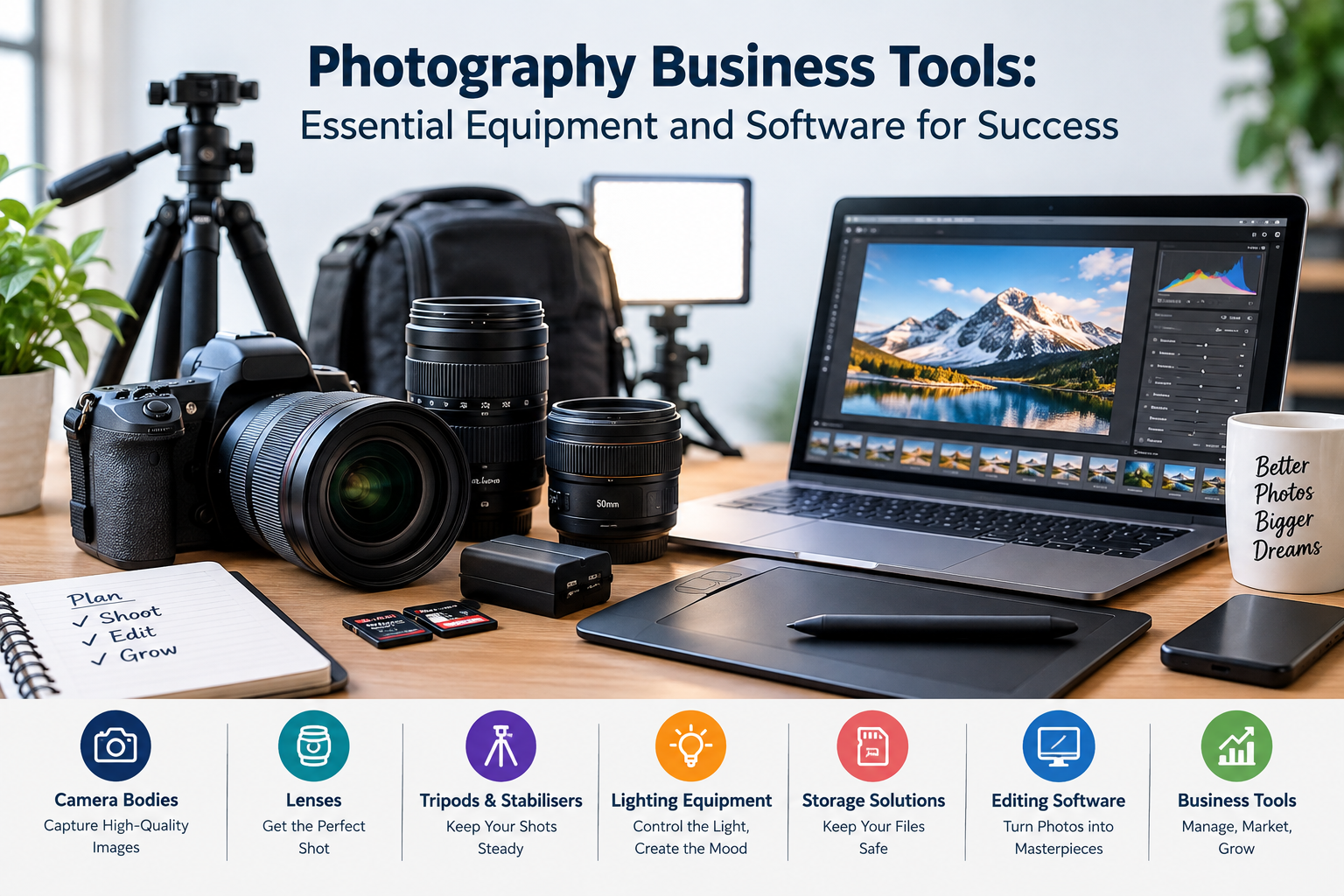
Running a photography business takes more than a good camera. You also need reliable tools to organize projects, communicate with clients, edit images, manage bookings, and receive payments. Choosing the right tools can save time, improve your workflow, and help you deliver a better experience to clients.
Whether you specialize in wedding, portrait, product, or commercial photography, the tools you use play an important role in your daily work.
Some photography business tools are physical equipment, while others are software and online services. You do not need to buy everything at once. Start with the essentials, understand your business needs, and add more tools as your workload increases.
This guide covers the main tools photographers need, explains their uses, and offers practical advice for choosing the right options.
What Are Photography Business Tools?
Photography business tools are the equipment, software, and online services that help photographers manage their work. They support different stages of the business, from capturing images to delivering finished photographs.
These tools fall into several main categories:
- Photography equipment: Cameras, lenses, lighting, and accessories.
- Editing software: Applications for improving and organizing photographs.
- Client management tools: Systems for handling inquiries, contacts, and bookings.
- Scheduling tools: Services for managing appointments and consultations.
- Accounting software: Applications for tracking income, expenses, and invoices.
- Online galleries: Platforms for sharing finished photographs with clients.
- Marketing tools: Services for promoting photography businesses.
Each category serves a different purpose. Together, these tools help photographers create an organized and professional workflow.
Essential Photography Equipment for Your Business
Reliable equipment helps you produce consistent results. However, expensive gear does not automatically make a successful photography business. Your equipment should match the type of photography you offer.
1. Professional Camera
A reliable camera is one of the most important investments for a photographer. It should provide the image quality, control, and features your work requires.
Many professional photographers use mirrorless or DSLR cameras. Both types can produce excellent results when used correctly.
Before choosing a camera, consider:
- Image resolution and sensor performance.
- Autofocus speed and accuracy.
- Low-light performance.
- Lens compatibility.
- Battery life.
- Video features, if you offer video services.
For example, a wedding photographer may need fast, reliable autofocus and strong low-light performance. A product photographer may place greater importance on image detail and color accuracy.
Choose a camera that meets your current needs. Avoid paying extra for features you are unlikely to use.
2. Photography Lenses
Lenses have a major effect on the appearance of photographs. Different focal lengths suit different subjects and shooting situations.
Common lens types include:
- Prime lenses: These have a fixed focal length and often offer wide maximum apertures.
- Zoom lenses: These cover a range of focal lengths and provide flexibility.
- Wide-angle lenses: These are useful for architecture, interiors, and landscapes.
- Telephoto lenses: These help photographers capture distant subjects.
- Macro lenses: These are designed for close-up photography and fine details.
A portrait photographer may prefer an 85mm lens, while an event photographer may find a versatile zoom lens more practical.
You do not need a large lens collection when starting out. Two or three carefully selected lenses may cover many common assignments.
3. Lighting Equipment
Lighting affects the mood, quality, and appearance of a photograph. Natural light is useful, but artificial lighting gives you greater control over the final result.
Common lighting equipment includes:
- Studio flash units.
- Continuous LED lights.
- Softboxes.
- Reflectors.
- Light stands.
- Umbrellas and diffusers.
For example, a product photographer can use a softbox to create softer light and reduce harsh shadows. A portrait photographer may combine a key light with a reflector to create balanced lighting.
Start with a simple setup. Learn to control the direction, intensity, and softness of light before investing in additional equipment.
4. Tripods and Camera Accessories
A tripod keeps your camera stable during long exposures, product shoots, and studio sessions. It can also help with self-portraits and certain video projects.
Other useful accessories include:
- Extra camera batteries.
- Memory cards.
- Camera bags.
- Lens cleaning kits.
- Remote shutter releases.
- Memory card readers.
- Protective filters.
Keep spare batteries and memory cards available during paid assignments. A small backup kit can help prevent avoidable problems during a shoot.
5. Computers and Storage Devices
A capable computer makes photo editing and file management easier. Large image files can require considerable storage space and processing power.
Look for a computer with sufficient memory, suitable processing performance, and a high-quality display. A color-accurate monitor is especially useful when your work involves detailed color correction.
Reliable storage is equally important. Consider using:
- External hard drives.
- Solid-state drives (SSDs).
- Network-attached storage (NAS).
- Secure cloud storage.
Keep multiple copies of important client files. A single storage device can fail, become damaged, or be lost. Regular backups help protect your work and reduce the risk of losing valuable photographs.
Best Software for a Photography Business
Photography software helps you edit images and manage business activities. The right choice depends on your workflow, budget, and the services you provide.
1. Photo Editing Software
Photo editing is an important part of many photography services. Editing applications help you adjust exposure, contrast, color, sharpness, and other image details.
Popular options include:
- Adobe Lightroom: Useful for organizing, adjusting, and editing large collections of photographs.
- Adobe Photoshop: Suitable for detailed retouching, compositing, and advanced image manipulation.
- Capture One: Offers professional editing and color adjustment features.
- Affinity Photo: Provides advanced image editing tools.
Each application has different features and pricing. Some photographers use one program, while others combine several tools.
For example, a wedding photographer may use Lightroom to process hundreds of images and Photoshop for detailed retouching.
2. Client Management Software
Managing client information through emails and spreadsheets can become difficult as your business grows.
Client relationship management software, commonly called CRM software, helps keep important information organized in one place.
Depending on the platform, it may allow you to:
- Store client contact details.
- Track inquiries.
- Record booking information.
- Manage client communication.
- Monitor project progress.
- Save client preferences.
A CRM can be particularly useful for photographers who handle several bookings each month.
Choose software that supports your actual workflow. If you have only a few clients, a simple contact management system may be enough.
3. Booking and Scheduling Tools
Scheduling software makes it easier for clients to request appointments. It can reduce the need for repeated messages about available dates and times.
These tools can display your availability and allow clients to select suitable time slots. Some platforms also send automatic reminders.
Popular scheduling options include Calendly and Acuity Scheduling.
You can use scheduling software for:
- Portrait sessions.
- Studio appointments.
- Consultation calls.
- Product photography bookings.
- Client meetings.
Before choosing a platform, check whether it supports your preferred calendar, time zone, and booking process.
4. Online Photo Gallery and Delivery Tools
After editing your photographs, you need a convenient way to share them with clients.
Online gallery platforms allow photographers to upload images and provide private links for viewing and downloading. Some also offer proofing features that let clients select their favorite photographs or request specific images.
Examples include Pixieset, Pic-Time, and ShootProof.
When comparing gallery platforms, consider:
- Storage limits.
- Image quality.
- Password protection.
- Download controls.
- Client selection features.
- Mobile viewing experience.
- Pricing plans.
A well-organized online gallery provides a more professional delivery experience than sending large collections through ordinary email attachments.
Financial and Administrative Tools
Running a photography business also involves financial and administrative responsibilities. These tasks may not be creative, but they are essential for managing the business effectively.
1. Accounting and Expense Tracking Software
Accounting software helps you monitor business income, expenses, invoices, and payments. It also makes it easier to understand how much your photography business earns and where its money goes.
Popular options include QuickBooks, Xero, and FreshBooks. Their features, pricing, and availability vary by country.
Useful features may include:
- Income and expense records.
- Invoice creation.
- Payment tracking.
- Financial reports.
- Expense categories.
- Tax-related records.
If you are starting with a limited budget, a well-organized spreadsheet may be enough. As the number of transactions increases, dedicated accounting software can make financial management easier.
2. Invoice and Payment Tools
Clear invoices help clients understand what they are paying for. They also provide a written record of the services you have agreed to deliver.
A professional invoice should usually include:
- Your business name and contact details.
- Client information.
- A description of the services provided.
- The total price.
- The payment deadline.
- Any agreed deposit.
- Available payment methods.
Payment options depend on your country and your clients’ locations. Compare transaction fees, supported currencies, and payment processing times before choosing a provider.
Explain your payment terms before starting a project to avoid confusion later.
3. Contracts and Digital Signature Tools
A photography contract explains the agreement between you and your client. It can cover payment terms, cancellation policies, delivery timelines, image usage rights, and other important details.
Digital signature tools make it easier to send and sign agreements online.
Services such as DocuSign and Dropbox Sign offer electronic signing features. Check their current plans and availability before choosing one.
A clear contract can reduce misunderstandings and help both parties understand their responsibilities. For complex commercial assignments, consider consulting a qualified legal professional.
Marketing Tools for Photography Businesses
Taking great photographs is only one part of running a photography business. Potential clients also need to discover your services and understand the value you offer.
1. Website and Portfolio Builders
A professional website gives potential clients a place to explore your work and contact you.
Your website should include:
- A clear introduction to your services.
- A portfolio of selected photographs.
- Your business location or service area.
- Contact information.
- Pricing guidance, if appropriate.
- Client testimonials, when available.
Platforms such as WordPress and Squarespace can help photographers build websites without developing everything from scratch.
Organize your portfolio by photography type. For example, wedding, portrait, product, and event photography can each have separate galleries.
Choose your images carefully. A smaller collection of strong photographs can communicate your style more effectively than a large, disorganized portfolio.
2. Social Media Management Tools
Social media platforms help photographers share their work and connect with potential clients.
Instagram, Pinterest, and Facebook are common choices for visual businesses.
Social media management tools can help you plan and schedule posts. Examples include Buffer and Later.
Useful content ideas include:
- Recent photography projects.
- Behind-the-scenes photographs.
- Lighting demonstrations.
- Tips for preparing for a photo session.
- Short editing tutorials.
- Studio updates.
Choose platforms where your target clients are active. Posting regularly can help maintain visibility, but relevant, useful content matters more than publishing every day.
3. Graphic Design Tools
Graphic design software helps you create marketing materials that match your photography brand.
Canva is a popular option for creating:
- Social media graphics.
- Promotional banners.
- Price lists.
- Business cards.
- Simple brochures.
- Portfolio presentations.
You can also use professional design software when a project requires more advanced control.
Keep your branding consistent. Use a limited color palette, readable fonts, and clear layouts across your website and promotional materials.
How to Choose the Right Photography Business Tools
The best tools are not necessarily the most expensive or feature-rich. They are the ones that solve real problems and fit your business needs.
Consider the following factors before making a purchase.
Understand Your Photography Services
Start by identifying the type of photography you offer. Wedding, product, portrait, and commercial photographers may need different equipment and software.
A product photographer may need controlled lighting and a detailed editing workflow. A wedding photographer may prioritize backup equipment, client galleries, and scheduling tools.
Choose tools based on the work you actually do.
Set a Realistic Budget
List the tools you need immediately and separate them from optional upgrades.
Prioritize equipment that directly affects your ability to complete paid assignments. Avoid purchasing several software subscriptions that offer similar features.
Remember to include ongoing expenses, such as software renewals, cloud storage, equipment repairs, and payment processing fees.
Check Ease of Use
A tool should make your work easier, not create unnecessary tasks.
Before buying a subscription, explore a free trial or demonstration when available. Check whether the software works with your existing equipment and other applications.
Consider Data Security and Backup
Client photographs and personal information should be handled carefully.
Use strong passwords and enable two-factor authentication whenever possible. Limit access to private galleries and avoid sharing sensitive files through public links.
Keep more than one copy of important photographs and check your backups regularly to make sure they work.
Common Mistakes When Buying Photography Business Tools
New photographers sometimes spend too much on equipment before building a reliable workflow.
Avoid these common mistakes:
- Buying equipment without a clear purpose: Choose gear based on the services you offer.
- Ignoring backup storage: Protect client images with a reliable backup system.
- Using too many subscriptions: Select tools that work well together instead of paying for overlapping features.
- Neglecting business administration: Keep contracts, invoices, and client details organized.
- Choosing software only because it is popular: Make sure it suits your workflow and budget.
- Forgetting ongoing costs: Include subscriptions, repairs, storage, and transaction fees in your budget.
A practical setup is often more useful than a large collection of expensive tools.
Frequently Asked Questions
1. What tools does a beginner photography business need?
A beginner generally needs a reliable camera, suitable lenses, memory cards, extra batteries, basic lighting, a computer, and backup storage. Editing software and a simple system for managing clients are also useful.
2. What is the best software for managing a photography business?
There is no single best option for every photographer. CRM platforms, booking systems, accounting software, and online galleries serve different purposes. Choose software based on your workload, budget, and business requirements.
3. Do photographers need a professional website?
A website is useful because it provides a central place to display your portfolio, explain your services, and receive inquiries. Social media can support your marketing, but a website gives you greater control over how your business is presented.
4. How can photographers manage client bookings?
Photographers can use scheduling software, online booking forms, or a calendar system. These tools help organize appointments, reduce scheduling conflicts, and send reminders to clients.
5. How much should a new photographer spend on business tools?
The amount depends on the services you offer, the equipment you already own, and your available budget. Start with essential tools and upgrade as your business grows. Avoid taking on unnecessary expenses or monthly subscriptions.
Conclusion
The right photography business tools help you manage creative projects and daily operations more effectively. Cameras, lenses, lighting, and editing software support image quality, while booking, accounting, and client management tools keep your business organized.
You do not need every available tool to get started. Focus on the equipment and software that match your services, protect your client files, and support a simple, reliable workflow.
As your photography business grows, review your needs and upgrade where necessary. A carefully selected set of tools can help you work more efficiently and provide a better experience for your clients.